
My Grocer
HEB
Now you can shop at the speed of your voice.
Just try it out!

Allow the instalation of unknown appplications:
Go to your smartphone’s definitions > option “Security” / “Lock Screen and Security” > Allow “Unknown Sources”.
Download the app:

Open the downloaded APK file and install it.

Download the app:
Select “Install”.
Close the browser.
Go to the menu “Definitions” > “General” > “Device Management” and select “Shelf.AI, Lda” > “Trust Shelf.AI, Lda” > “Trust”.
Video Tutorial
Learn more: How to install custom enterprise apps on iOS

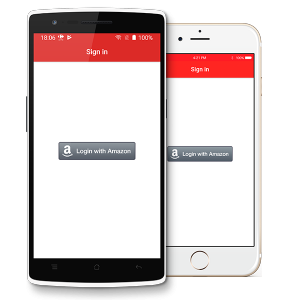
Open the app and login to start shopping using your voice.
Android Installation
 | Allow the instalation of unknown appplications: Go to your smartphone’s definitions > option “Security” / “Lock Screen and Security” > Allow “Unknown Sources”. |
 | Download the app: |
 | Open the downloaded APK file and install it. |
 | Open the app and login to start shopping using your voice. |
iPhone Installation
| Download the app: |
| Select “Install”. Close the browser. |
| Go to the menu “Definitions” > “General” > “Device Management” and select “Shelf.AI, Lda” > “Trust Shelf.AI, Lda” > “Trust”. For more details, please check the video below. |
| Open the app and login to start shopping using your voice.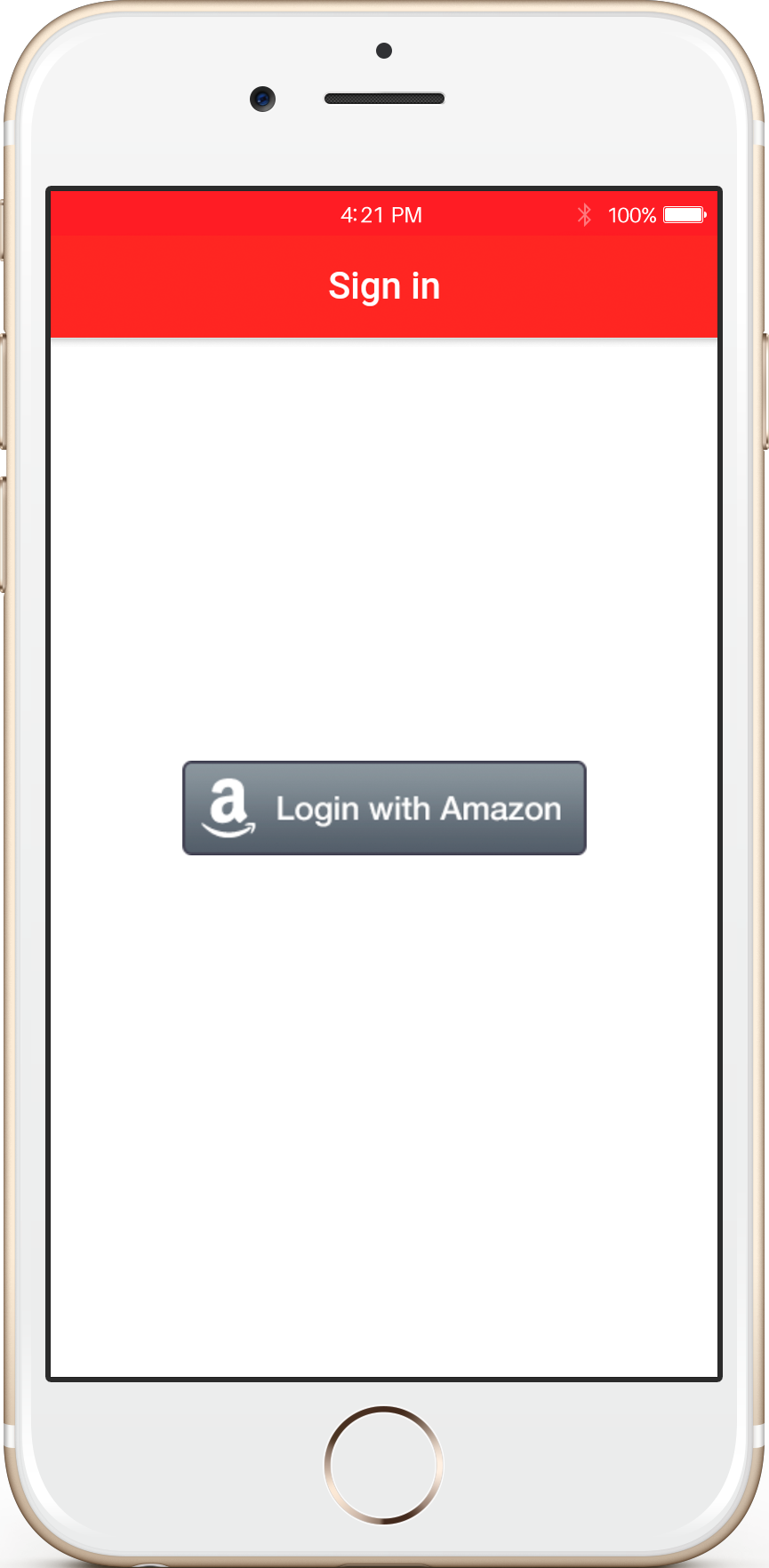 |
Learn more: How to install custom enterprise apps on iOS
QR code to access this page: